Why choose Perfect Doc Studio over Formstack Documents?
Formstack Documents is built around form-driven document generation. PDS covers the full document lifecycle multichannel delivery, 108+ languages, unlimited merges, and a built-in workflow engine without per-merge caps.
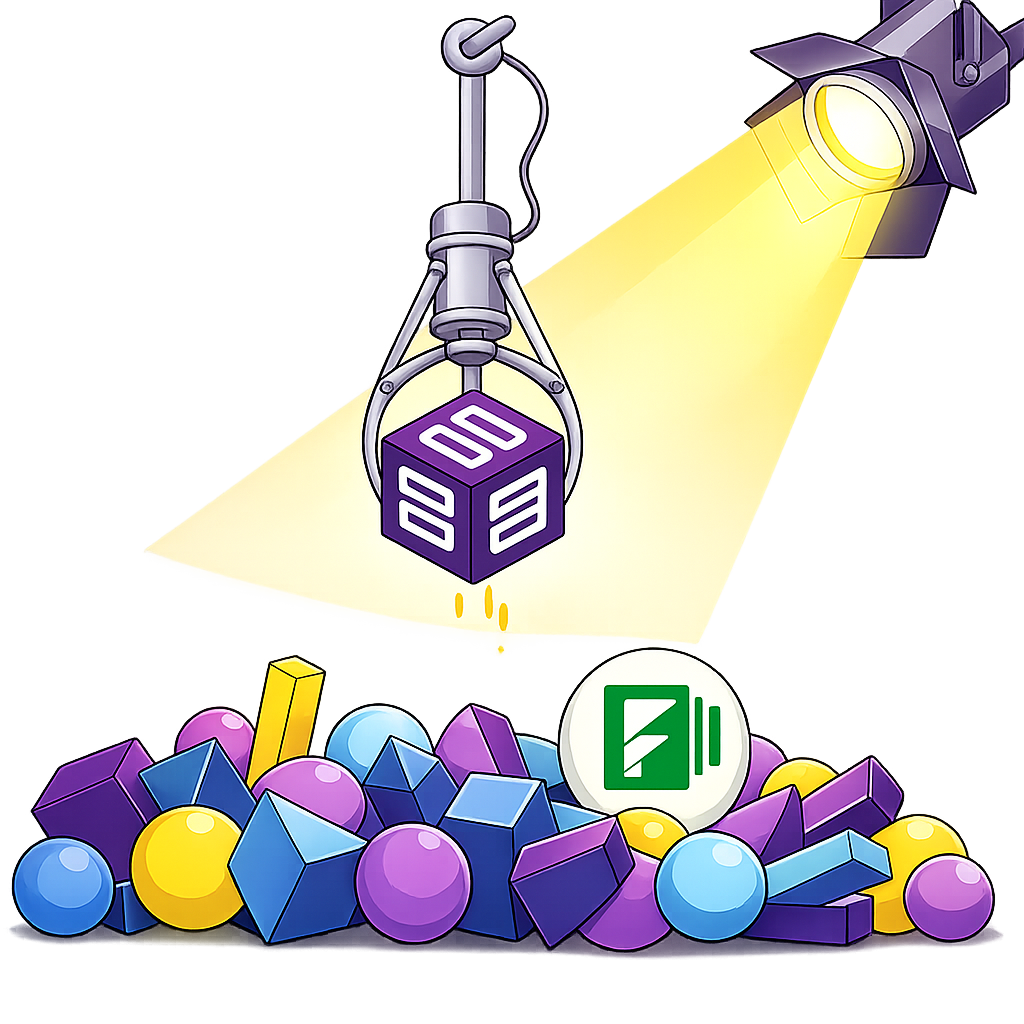
Why choose Perfect Doc Studio
over Formstack Documents?
Handling Complex Automations
Formstack Documents supports conditional logic and workflow routing, but as automation becomes more communication-driven involving advanced personalization, design control, and multichannel delivery teams may rely on multiple configurations. Perfect Doc Studio unifies business rules, dynamic content, AI, and multichannel orchestration in one workflow engine, simplifying complex automation.
Document Delivery Channels
Email-based delivery remains a core strength of Formstack Documents. However, as customer expectations shift toward real-time and channel-flexible communication, managing additional delivery methods through separate integrations can add workflow complexity. Perfect Doc Studio integrates multiple delivery channels directly into its automation engine, enabling a more unified communication experience.
Scalability & Plan Flexibility
Formstack Documents plans are tiered with defined caps, generally 1–15 users and 10–100 templates depending on the package. As adoption spreads across functions, organizations often review how these limits align with expansion goals. Perfect Doc Studio includes multi-user access and generous template allowances across paid plans, with expanded capacity at higher tiers.
Multilingual Support
For organizations operating globally, preparing documents in multiple languages often requires separate templates and manual formatting adjustments. Formstack Documents does not offer built-in multilingual document generation capabilities. Perfect Doc Studio supports content creation in 108+ languages, with translations that preserve layout and structure, enabling consistent global communication from a single template.
Integrated Workflow Engine
Perfect Doc Studio includes a built-in workflow engine that allows organizations to define document journeys end-to-end. From data intake and approvals to routing and final delivery, workflows can be visually configured to align document generation with broader business processes and native Salesforce integration.
What's the difference?
Compare our affordable plans
Why look for a Formstack Documents alternative?
Platform Learning Curve
Some users report that configuring complex document merges and advanced logic in Formstack Documents requires a deeper understanding of the platform. As document workflows become more sophisticated, teams may spend additional time learning the configuration structure before achieving consistent automation outcomes.
User Interface & Usability
While Formstack Documents offers powerful functionality, some users note that the interface can feel less intuitive during template creation and workflow setup. This can slow down early adoption and require additional familiarity before teams become comfortable managing document automation processes.
Plan Limits & Scalability
Formstack Documents plans are structured around defined limits for users, templates, and document merges. As teams expand and document volumes grow, organizations often need to upgrade plans or add additional capacity. This scaling model can influence cost predictability for businesses planning wider adoption of document automation.
Documentation & Implementation Support
Some users highlight that documentation does not always cover complex or edge-case scenarios in sufficient depth. When implementing advanced workflows, teams may need to rely on additional support resources or experimentation to fully configure their document processes.
Initial Setup Complexity & Platform Stability
Setting up advanced features often requires careful configuration and testing during the early stages of implementation. While the platform generally performs reliably after setup, users occasionally report minor glitches that can interrupt document generation workflows.
Highlights of Perfect Doc Studio:
More reasons to switch
Flexible Document Design
Design complex documents without coding. Sections and pages can be reused across templates, reducing repetitive work and supporting modular document structures. This provides greater layout flexibility compared to more template-restricted approaches.
Dynamic and Reusable Content
Charts, barcodes, QR codes, tables, and images can be embedded directly into documents, with reusable components across templates. The platform supports modular design, enabling more dynamic document structures where needed.
AI-Supported Document Automation
AI capabilities for generating contextual content and assisting with translations helping streamline document preparation, particularly in multilingual or high-volume environments.
Multi-Channel Communication
Documents can be delivered through email, WhatsApp, SMS, or print workflows, allowing organizations to reach customers through different communication channels from a single system.
Flexible Deployment Options
The platform supports cloud, hybrid, and on-premise deployments, enabling organizations to align with internal IT policies, compliance standards, and data residency requirements. Infrastructure built for scale, designed to support high-volume document generation.
Integrated Workflow Engine
Perfect Doc Studio includes a built-in workflow engine that allows organizations to define document journeys end-to-end. From data intake and approvals to routing and final delivery, workflows can be visually configured to align document generation with broader business processes, with native Salesforce integration and workflow-driven integration with BPM and legacy systems.
Moving from Formstack without the migration pain
days
If you're currently using Formstack Documents, moving to Perfect Doc Studio does not require rebuilding everything from scratch. The migration process is structured and guided, and for teams with a moderate number of templates, it can typically be completed within 4–6 days without disrupting ongoing operations.
See How Migration Works- 1Template conversion supportYour existing Formstack templates are mapped and converted to Perfect Doc Studio format.
- 2Workflow mappingCurrent workflows are analysed and reproduced in PDS's visual workflow engine.
- 3Live onboardingDedicated sessions with a PDS migration specialist in-person or live online.
- 4Zero downtime cutoverGo live without interrupting ongoing document production workflows.
Frequently asked questions
Not at all. Perfect Doc Studio offers template conversion support, workflow mapping, live onboarding, and diverse training options, including in-person sessions, live online training, webinars, documentation, and video guides. Our comprehensive support options ensure you're up and running in days, not weeks.
Perfect Doc Studio supports enterprise-grade encryption with end-to-end data protection, role-based access control (RBAC), and compliance with industry standards like GDPR, ISO, and HIPAA. Your data remains protected, with document access restricted to authorized users, whether deployed on-premise, in the cloud, or in hybrid environments.
Absolutely. From simple reports to complex multi-page documents with dynamic elements, Perfect Doc Studio supports bulk generation, conditional logic, and e-signatures through integrations. You get all the enterprise-grade functionality without the complexity, restrictions, or high costs of Formstack Documents.
Perfect Doc Studio excels at high-volume processing with advanced batch processing capabilities, parallel generation, and automatic scaling. Our cloud-native architecture handles enterprise-scale document generation seamlessly without performance degradation.
Our native migration engine can typically convert Formstack templates to Perfect Doc Studio very quickly, depending on complexity. We provide template mapping assistance and dedicated support to ensure zero downtime during your transition.
No, you won't be charged during your trial period. The trial is completely free, giving you full access to explore Perfect Doc Studio's features before committing to a paid plan. You can upgrade only when you're ready.
Yes, you can upgrade, downgrade, or switch plans anytime. Perfect Doc Studio's flexible pricing lets you adjust your plan as your document volume or team size grows no long-term commitments required.